The only complete list of what you own is in your head.
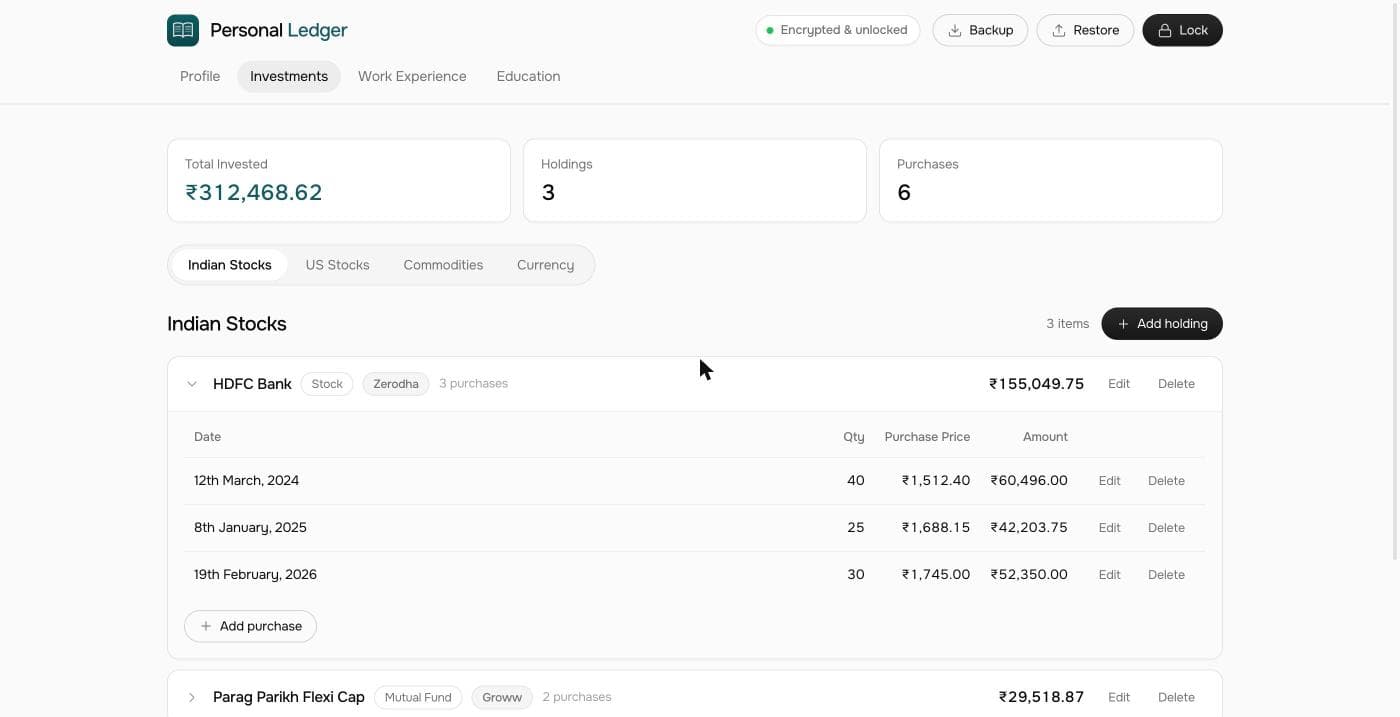
Personal Ledger gets it out of there — into one encrypted file on your own device. What you hold, where it is held, and enough for someone to find all of it without you.
Assetsdonotgomissing.Therecordofthemdoes.
Four records that belong together
Not a budgeting app and not a portfolio tracker — those tell you how you are doing this month. This is the inventory underneath them, and it only earns its keep on the day somebody has to reconstruct your affairs without you.
Investments
[01]Every holding and where it actually sits — broker, fund house, bank, locker or jeweller — with what you paid and when.
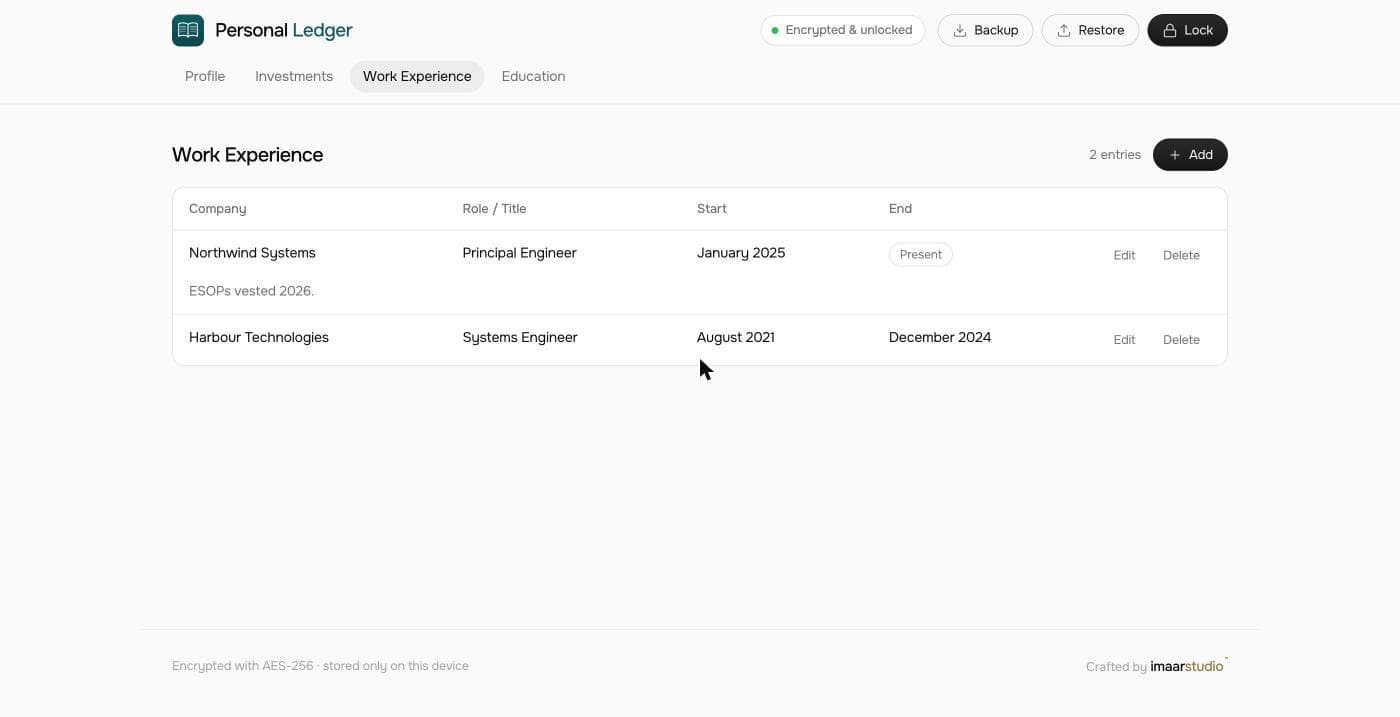
Work Experience
[02]Every employer and the years attached to them. This is the map to old PF accounts, gratuity and ESOPs that quietly stay behind.
Profile
[03]Who you are on paper: contact details, date of birth, the identifiers that every form eventually asks for.
Education
[04]Institutions, qualifications and years — the details nobody can ever find at the moment something needs them.
An encrypted file only helps if someone can open it
This is the part most tools are vague about, so here it is plainly. Nothing in Personal Ledger can recover your passphrase — not a reset link, not a support desk, not us. That is the whole security model, and it means the handover is yours to arrange. Three things make it work.
Leave the passphrase where it will be found
With your will, in a sealed envelope, or with one person who knows what it opens. Nothing can reset it — that is precisely what makes the encryption worth anything.
Keep an encrypted backup
Export a .vault file and store it with your other documents. It is the copy that survives a lost laptop, a wiped browser or a new machine.
Tell someone the file exists
A perfect record nobody knows about is the same as no record at all. One sentence to one person is enough.
Private because there is nowhere else to look
A record like this outlives most companies. Building it without one is the only way to be sure it is still readable in thirty years.
Encrypted at rest
AES-GCM with a 256-bit key derived from your passphrase via PBKDF2, 250,000 rounds. The passphrase is never stored — and never recoverable.
Nothing leaves the device
Your ciphertext lives in your browser's IndexedDB. No account to create, no company to outlive you, and no service that can be shut down with your records inside it.
One portable file
The whole app — interface, logic, typeface and icon — is a single HTML document. Copy it to a USB stick and it still works, offline.
An afternoon now, years saved later
Buy and download
You get a single file, Personal_Ledger.html, by email. Save it somewhere you will find again — a documents folder, not Downloads.
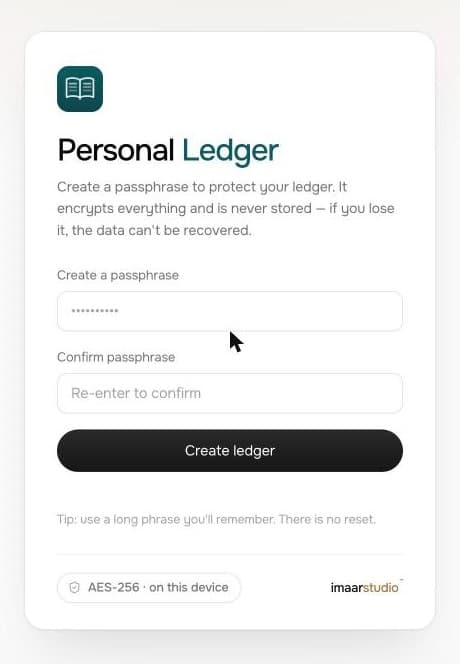
Set a passphrase
Open it in Chrome and choose one. It derives the encryption key, so pick something long that you will genuinely remember. There is no reset link.
Empty your head into it
Every holding and where it sits, every employer, the details forms keep asking for. It is re-encrypted and saved the moment you press Save.
Arrange the handover
Export an encrypted backup, store it with your documents, and leave the passphrase somewhere it will be found. Then forget about it.
Pay once. That is the whole arrangement
There is no server to run, so there is nothing to charge you rent for. You buy the file, and the file is yours.
- The complete app — all four records, unlimited entries
- Encrypted backups you can carry between machines
- Works offline forever — no account, no server, no renewal
- Yours to keep, on your own disk. Nobody can switch it off remotely.
- Future versions of the file, free
Tell us where to send it and we reply with payment options and the download link. Currency is set by where you are browsing — switch it above if that is wrong.